

WordPress Plugin: BikePress
Category
Web DevelopmentAbout This Project
OVERVIEW
I’ve implemented, configured and maintained numerous WordPress sites for clients when that is the right solution. This site you are on is built on WordPress in fact. I’ve had to recover WordPress sites and bugfix the underlying PHP code. To enhance my experience as a true WordPress developer I created a plugin on this site tracks my bikes and the maintenance on them as a sandbox.
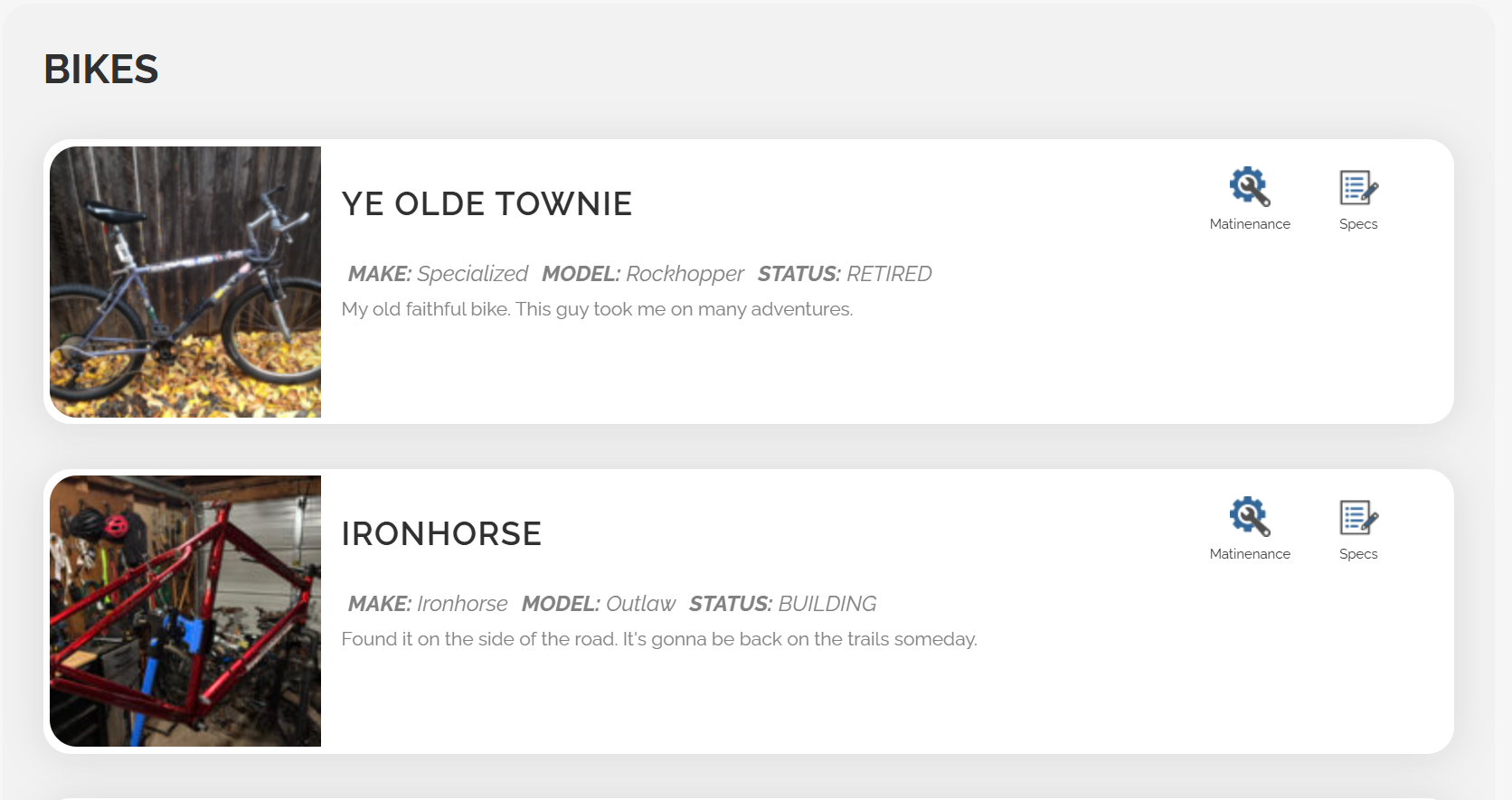
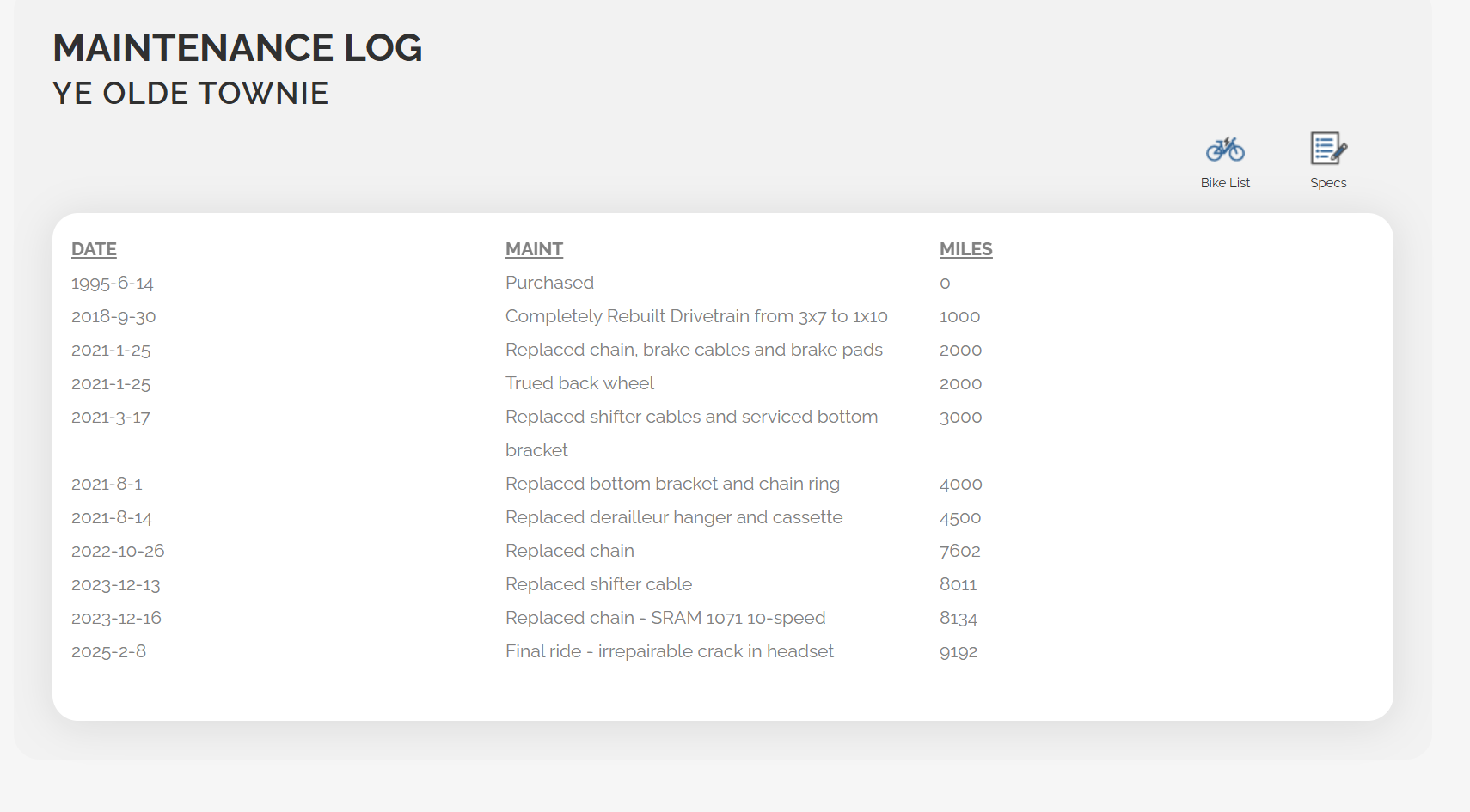
I built a simple plugin which adds appropriate DB tables on activation (and conversely removes them on an uninstall), registers a shortcode to display bikes, specs and maintenance records, and accesses media from the WordPress library. I then started creating the admin pages to support this plugin, but got tied up on other projects, and so this development ran out of steam about 60% of the way through.
Then as I was re-tooling myself on the use of AI in development, I decided that this unfinish app would be a perfect use case for exlporing Cursor more. I wanted to see if using AI could unblock this project and speed up development. So, I defined an end state and created a plan of attack. Then I actually used Cursor’s AI models to check if my plan was solid, explaining that this was my first WP plugin and therefore suspect. I created a Cursor skill file to define a workflow that had hard stops in certain places so that I could review designs and code and test functionality.
CHALLENGES
- This was my first WP plugin, so the learning curve was large regarding how they functioned and their architecture
- Cursor was new to me also.
OUTCOME
The end result was once again terrifying and amazing. Not only was I able to clean up and improve the code I had written. I ran through the rest of my plan so quickly that I started moving the desired end state out further and further to allow me to experiment more. I ended up with a fully function, integrated and secure plugin for managing bikes and maintenance. It’s capabilities include:
- Well defined installation, activation, deactivation, uninstallation life cycle
- Interactive JavaScript based widget for displaying bikes on a WP page
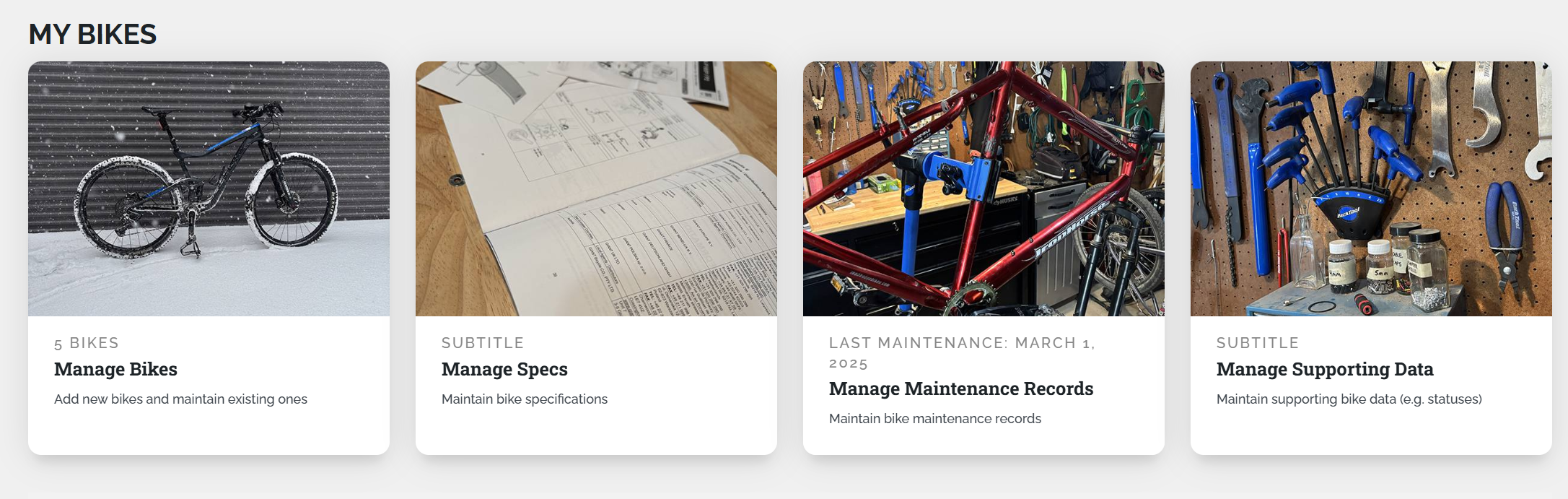
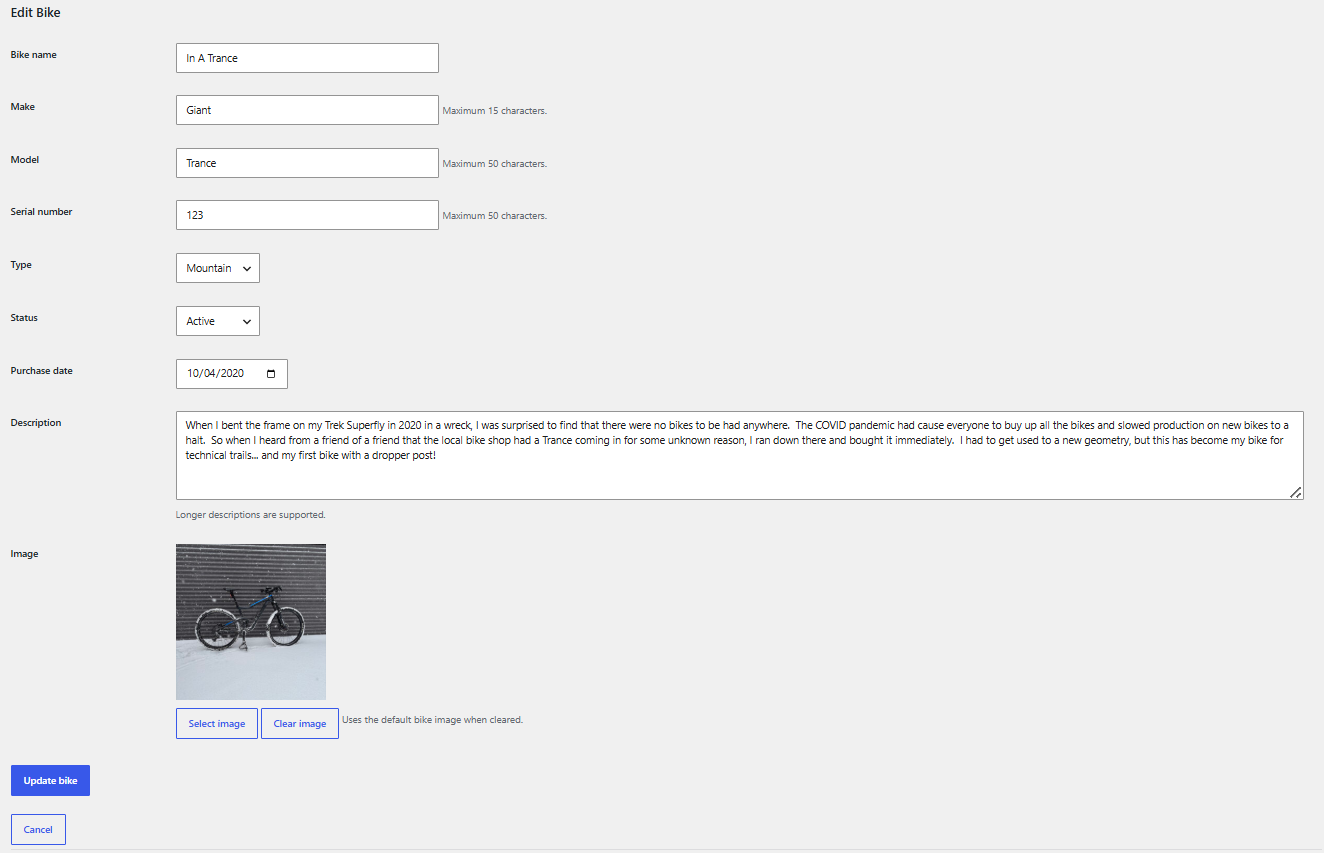
- Admin screens for maintaining bike and plugin data
- Option import of demo data to get started
- Export and import of all bike data in JSON format
- Ability to create a PDF bike report
The lesson I learned was that using AI in my development workflow allowed me to move forward ad an incredible rate. I experienced the advantage of being able to concentrate more on the business requirements of the plugin and even dream up new ideas. I also learned the importance of putting gates in so that I could check the solutions being proposed and quite honestly keep up with the code base. Otherwise, it would be easy to end up with a “black box” application that I had no understanding of.
SEE IT IN ACTION SEE THE CODE ON GITHUB